

Application security used to mean one scanner in CI and a pentest once a year. Now AI writes much of the code, releases ship daily, and the flaws that hurt most (broken access control, business logic errors) are the ones rule-based scanners rarely catch.
So which application security tool should you use? We've rounded up the six best, with what each one does well, what it costs and who it suits. We build one of them, AISafe Labs, so we'll be upfront about where the others are the better choice.
This comparison was published on November 23, 2026 and reflects the tools as we tested them then. Pricing and features change often, so check each vendor’s current pages for the latest.
What features do you need in an application security tool?
Most application security tools cover the basics. They differ in how deep they go.
Basic features you should expect from any modern tool:
- Static analysis (SAST): scans source code for known vulnerable patterns.
- Dependency scanning (SCA): flags open-source packages with known CVEs.
- Secrets detection: catches API keys and passwords committed to the repository.
- Pull request checks: comments on new issues before code merges.
- Issue tracker sync: sends findings to Jira or Linear so they get fixed.
Advanced features that separate the leaders:
- AI code audits: agents that read the whole codebase and trace user input to sensitive operations, which is how access-control and logic flaws are found.
- Pentests of the running app: black-box and white-box testing that proves a finding is exploitable, not just theoretically present.
- Proof for every finding: an exploit, a request or a code path you can replay, so your team doesn't waste days on false positives.
- Fix verification: checking a patch against the original finding before it ships.
- Continuous monitoring: re-testing fixed issues so regressions are caught.
- Self-hosting: running the tool on your own infrastructure when code can't leave it.
Which application security tool is best? The short version
- AISafe Labs is the best all-in-one option: AI code audits, pentests, pull request review and a free SAST suite in one platform, with published prices.
- Aikido is a good choice for small teams that want many scanners in one dashboard.
- Snyk is best known for dependency scanning and fits developer-led teams.
- Semgrep is best for security teams that want to write their own rules.
- SonarQube suits teams that care about code quality as much as security.
- GitHub CodeQL is the natural pick if all your code lives on GitHub.
1. AISafe Labs
- Who it's for: Engineering and security teams that want to find the flaws scanners miss, in both their code and their running application, and close the loop from finding to verified fix.
- Who it isn't for: Teams that only want a linter-style scanner and no pentesting or AI audits.
What is AISafe Labs?
AISafe Labs is an application security platform that uses AI agents to test your code and your live application the way an attacker would. It was founded in 2025 in Timișoara, Romania, by a team of security researchers.
Its agents build a model of your codebase and trace user input from where it enters to where it reaches a sensitive operation. That's how they find broken access control and business logic errors before release. A separate triage pass confirms each finding, merges duplicates and shows its reasoning.
Key features
- Code Audit: AI agents review the whole repository and report evidence-backed findings with exact code locations.
- Code Scan, free: SAST, AI SAST, dependency scanning, secrets detection, licence risk and IaC scanning.
- Black-box and white-box pentests of your live application, with evidence you can replay.
- Pull request security review that uses what earlier audits learned about the project.
- Endpoint monitoring that re-runs the proof of each fixed finding and alerts on regressions.
- Fix verification (beta) and an API, so your coding agent can read a finding, patch it and verify the fix.
- Jira and Linear export, Slack and Teams alerts, and a self-hosted option.
How much does AISafe Labs cost?
The Basic plan is free and includes the full SAST suite, with no card required. Pro starts at $40 a month and includes the same amount in credits, which pay for code audits, pentests and continuous work. The price of a code audit depends on the size of the codebase and is shown before it starts.
How good is AISafe Labs' code security support?
- Covers the whole range: rule-based SAST, AI SAST, dependency and secrets scanning, plus full AI code audits.
- Finds logic and access-control flaws by tracing data flow across the codebase, not by matching patterns.
- Confirms findings against the running application with white-box pentests.
- Reviews every pull request and verifies fixes before they ship.
We've tested it head to head on the same application against Snyk, Semgrep, SonarQube and GitHub CodeQL, if you want to see the findings side by side.
Bottom line
AISafe Labs is the only tool on this list that covers static scanning, AI code audits and live pentests in one place, with published prices. If you want fewer tools and fewer false positives, start here.
2. Aikido
- Who it's for: Small and mid-sized teams that want many scanners in one dashboard with little setup.
- Who it isn't for: Teams that need deep, evidence-backed audits of complex business logic as their main tool.
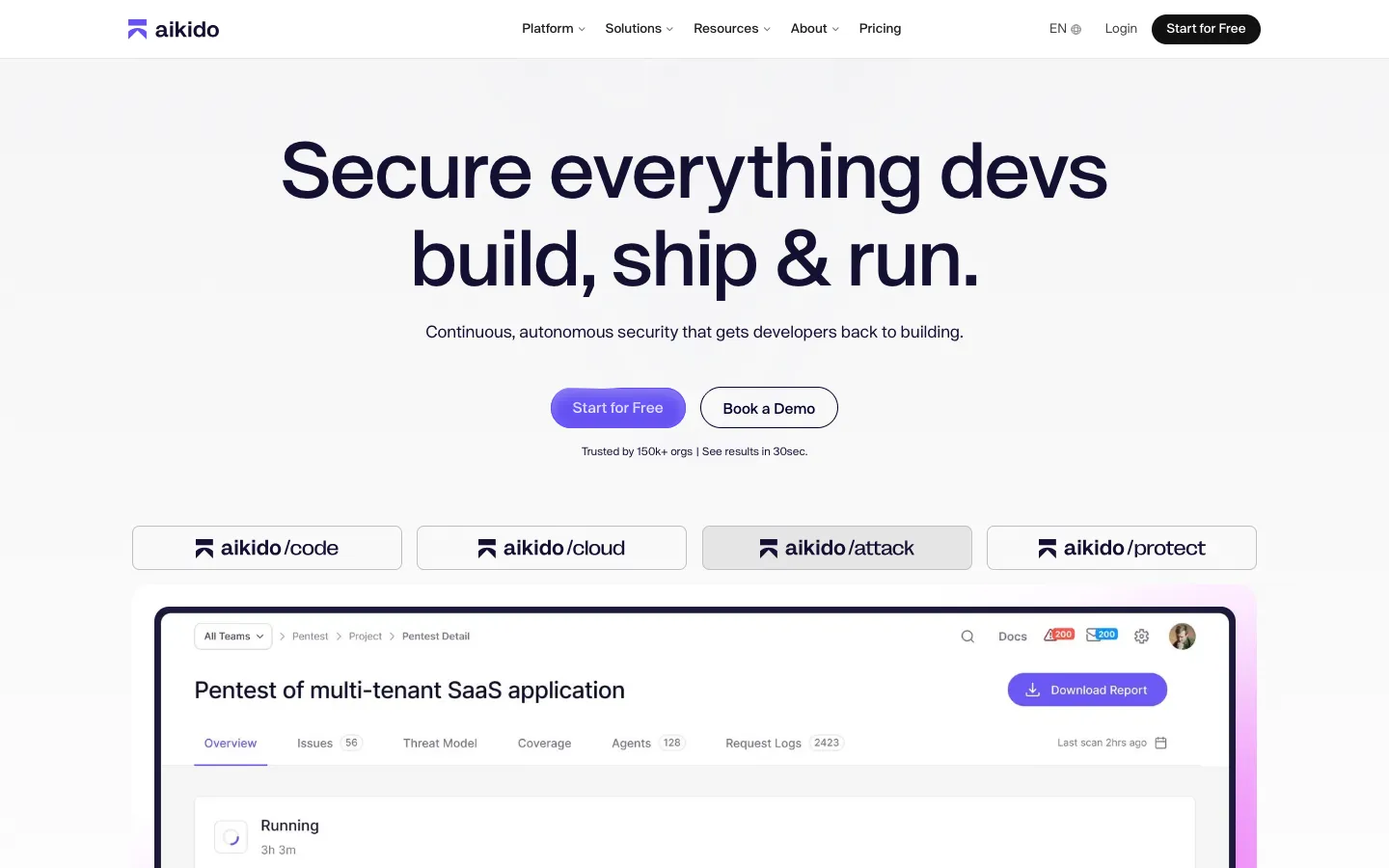
What is Aikido?
Aikido is an all-in-one application security platform covering code, dependencies, cloud and runtime. It adds AI pentests and AI Code Analysis, where agents audit selected repositories, both billed in credits.
Key features
- SAST, AI SAST, dependency, secrets and IaC scanning
- Cloud posture and runtime protection
- AI pentests per assessment, including whitebox
- Pull request review, with Deep Review at 1 credit per PR
- Jira and Linear from the Basic plan
How much does Aikido cost?
The free Developer plan covers 2 users and 10 repositories. Paid plans are a flat monthly fee per block of 10 users: Basic $350, Pro $700 and Advanced $1,050 a month, with 25, 100 or 200 credits. Extra credits cost $1 each.
How good is Aikido's code security support?
- Broad coverage across scanners, with noise reduction on top.
- AI Code Analysis and pentests are available, but billed in credits on top of seat-based plans.
- The platform is SaaS; a local scanner is available from Pro.
Bottom line
Aikido is a solid broad-coverage platform for smaller teams. Its AI audits and pentests cost credits on top of the plan fee, so watch the total as you scale. See our AISafe Labs vs Aikido comparison or Aikido alternatives.
3. Snyk
- Who it's for: Developer-led teams that mainly need dependency scanning, with SAST in the same tool.
- Who it isn't for: Teams that need AI code audits or pentests without an Enterprise contract.
What is Snyk?
Snyk is a developer security platform covering dependencies, code (Snyk Code SAST), containers, IaC and secrets. DAST and AI pentesting are available on Enterprise plans.
Key features
- Snyk Open Source dependency scanning
- Snyk Code SAST, powered by the DeepCode AI engine
- Container and IaC scanning
- Pull request checks
- API and web DAST and Evo AI pentesting on Enterprise
How much does Snyk cost?
The free plan covers 5 projects and 100 Snyk Code tests a month. Team costs $25 per contributing developer a month for 5 to 10 developers. Enterprise is priced by quote, using credits.
How good is Snyk's code security support?
- Dependency scanning is its strongest area.
- Snyk Code is rule-based SAST; it doesn't run full AI audits of a codebase.
- Secrets scanning, DAST and pentesting need Enterprise.
- Jira on Team, no Linear; the self-hosted Local Engine is deprecated.
Bottom line
Snyk is a good default for dependency security. For logic flaws and proof of exploit you'll need more. See AISafe Labs vs Snyk.
4. Semgrep
- Who it's for: Security teams that want to write and tune their own static analysis rules.
- Who it isn't for: Teams that want pentests or proof that a finding is exploitable.
What is Semgrep?
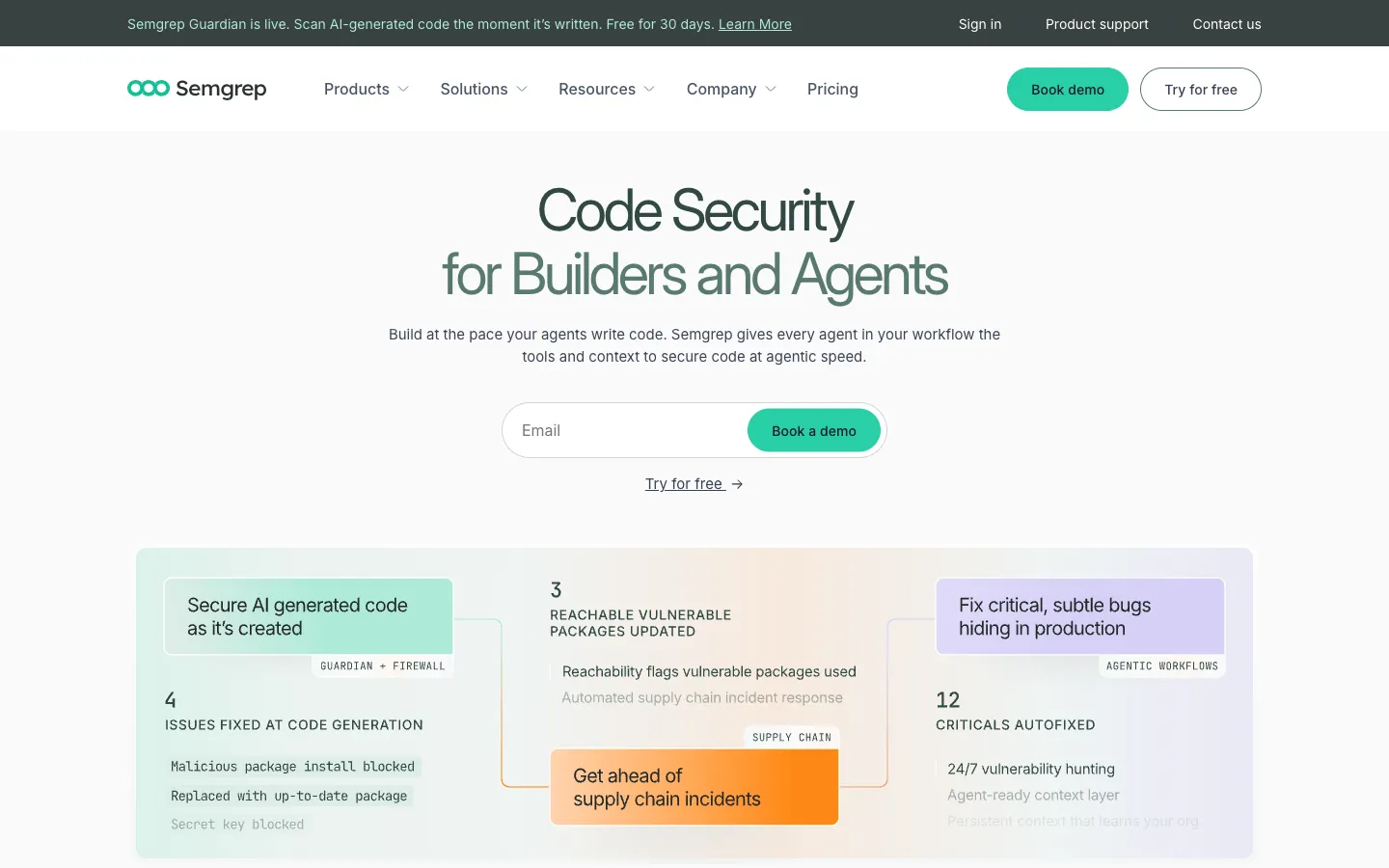
Semgrep is a static analysis tool that matches code against rules you can read and write. The open-source Community Edition runs locally. The Semgrep AppSec Platform adds cross-file analysis, dependency and secrets scanning, and AI triage and fixes.
Key features
- Readable, writable rules and a large community rule library
- Supply Chain dependency scanning with reachability
- Secrets scanning on Teams
- AI triage and autofix (not in Community Edition)
- Pull request comments, Jira Cloud sync
How much does Semgrep cost?
Community Edition is free. The platform's free tier covers up to 10 contributors and 10 private repositories. Teams costs $30 per contributor a month for Code, $30 for Supply Chain and $15 for Secrets.
How good is Semgrep's code security support?
- Excellent for custom rules and fast CI scans.
- Rules find patterns; they rarely catch access-control or logic flaws.
- No pentesting or live testing.
Bottom line
Semgrep is the best pick if your team wants to own its rules. Pair it with something that tests the running app. See AISafe Labs vs Semgrep.
5. SonarQube
- Who it's for: Teams that want code quality and code security checks in one place, often self-hosted.
- Who it isn't for: Teams looking for AI-led vulnerability discovery or pentests.
What is SonarQube?
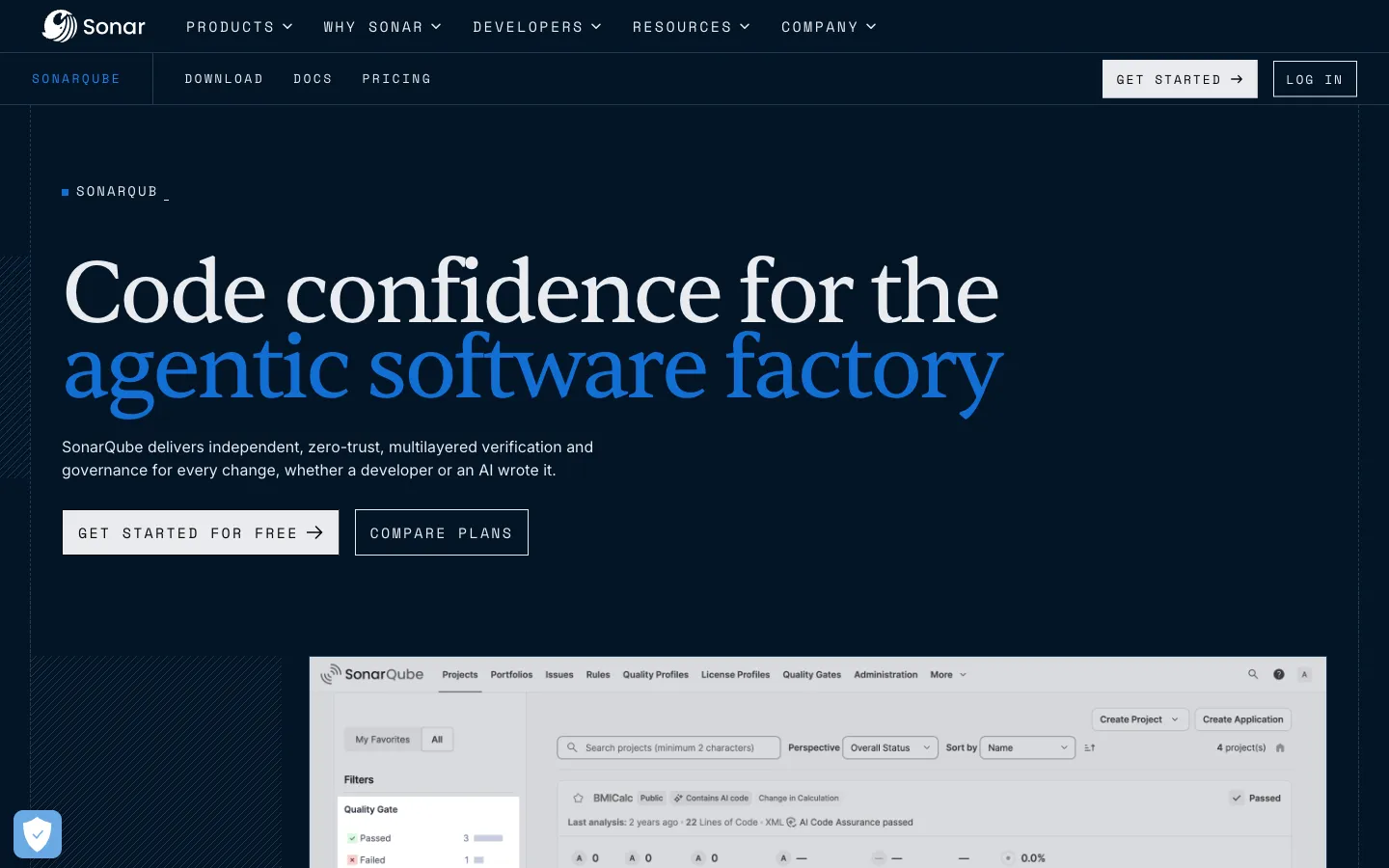
SonarQube is a code quality and code security platform built on rule-based static analysis. It is offered as SonarQube Cloud, paid self-hosted Server editions and a free self-hosted Community Build.
Key features
- Code quality, bugs and code smells alongside security rules
- Quality gates on pull requests
- Self-hosted Community Build and Server editions
- SCA and Advanced SAST as a separate subscription
How much does SonarQube cost?
SonarQube Cloud is free up to 50,000 private lines of code and 5 members. Team starts at $34 a month for up to 100,000 lines. Server editions are priced per instance per year by lines of code.
How good is SonarQube's code security support?
- Strong on code quality and consistent rule enforcement.
- No AI SAST, AI audits or pentesting.
- Dependency scanning costs extra.
Bottom line
SonarQube is a code quality tool first. It's great at keeping code clean, less so at finding the vulnerabilities attackers use. See AISafe Labs vs SonarQube.
6. GitHub CodeQL
- Who it's for: Teams whose code all lives on GitHub, especially open-source projects.
- Who it isn't for: Teams on GitLab or Bitbucket, or teams that want to test the running application.
What is GitHub CodeQL?
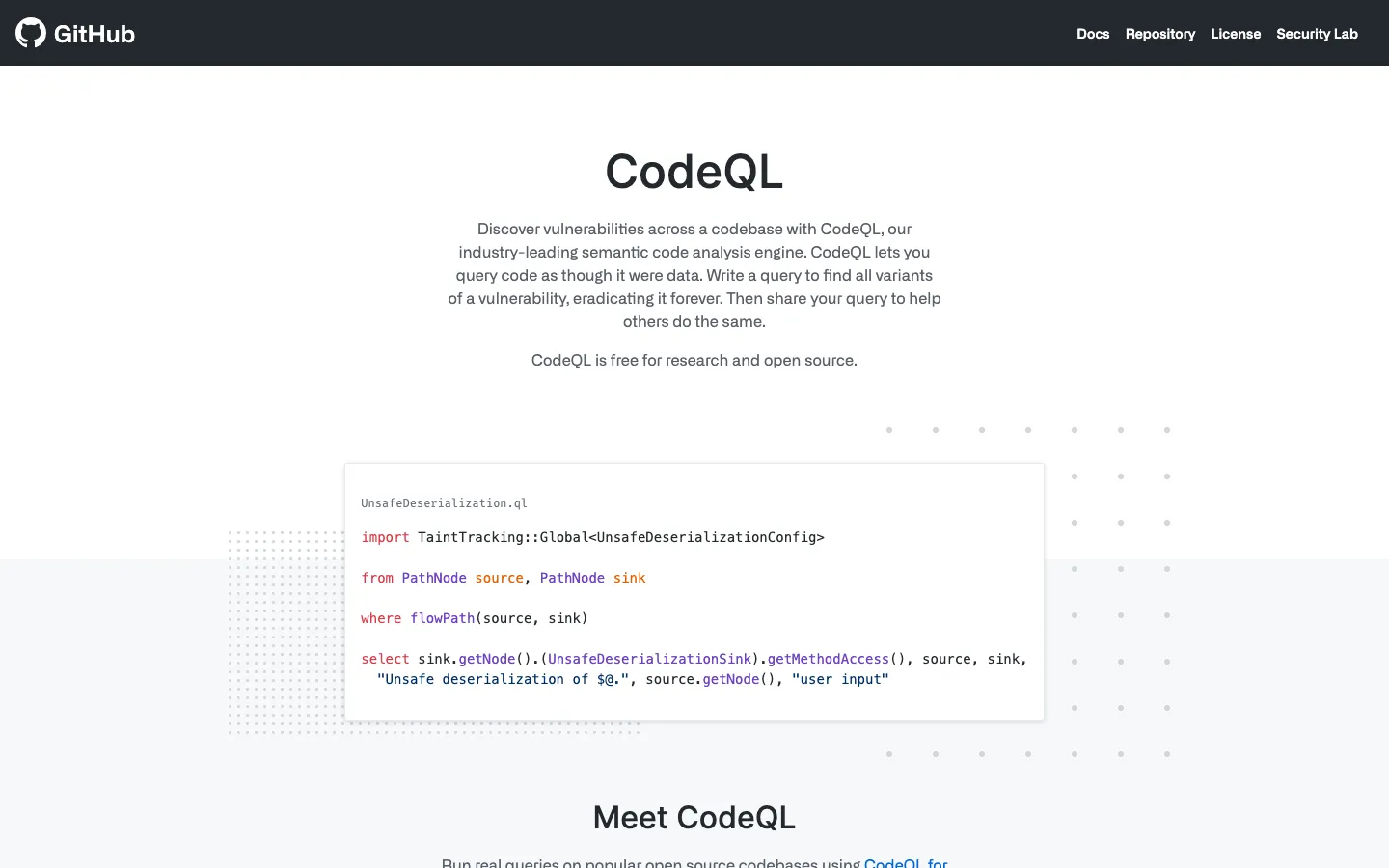
CodeQL is a semantic code analysis engine that queries code as a database and powers GitHub code scanning. GitHub Code Security adds Copilot Autofix and AI Scan, and Secret Protection adds secret scanning.
Key features
- CodeQL queries across many languages
- Copilot Autofix suggestions
- AI Scan for pull requests, and for repositories in preview
- Dependabot alerts on all plans
- Secret scanning and push protection
How much does GitHub CodeQL cost?
Free on public repositories. For private ones, Code Security costs $30 and Secret Protection $19 per active committer a month, on top of GitHub Team or Enterprise seats.
How good is GitHub CodeQL's code security support?
- Deep, precise queries, tightly integrated with GitHub.
- Findings go to GitHub Issues; no Jira or Linear.
- No pentesting or proof of exploit.
Bottom line
If you're all-in on GitHub, CodeQL is easy to turn on. It won't tell you whether a finding is exploitable in production. See AISafe Labs vs GitHub CodeQL.
Which application security tool should you choose?
- Choose AISafe Labs if you want code audits, pentests and pull request review in one platform, and a free plan to start.
- Choose Aikido if you're a small team that wants broad scanner coverage in one dashboard.
- Choose Snyk if dependency security is your main concern.
- Choose Semgrep if your security team wants to write its own rules.
- Choose SonarQube if code quality matters as much as security.
- Choose GitHub CodeQL if all your code is on GitHub and you want the built-in option.
Is AISafe Labs right for you?
Most teams end up with three or four security tools: a scanner, a dependency checker, a yearly pentest and something for pull requests. AISafe Labs replaces that stack with one platform:
- Find what scanners miss. AI agents trace data flow across your code to find access-control and logic flaws.
- Prove it. Pentests confirm findings against your running application, so your team only fixes real issues.
- Catch it early. Every pull request gets a security review.
- Close the loop. Fix verification and endpoint monitoring make sure a fix stays fixed.
The Basic plan is free and includes the full SAST suite. Start for free.
FAQ
What is the best application security tool?
It depends on what you need. AISafe Labs covers the widest range in one platform, from free SAST to AI code audits and pentests. Snyk is strongest on dependencies, Semgrep on custom rules and SonarQube on code quality.
What's the difference between SAST and an AI code audit?
SAST matches code against known patterns and rules. An AI code audit reads the codebase like a reviewer, follows user input across files and reasons about whether a check is missing. That's why it finds logic and access-control flaws that rules don't describe.
Do I still need a pentest if I use a SAST tool?
Yes. SAST finds possible issues in code; a pentest proves which ones can be exploited in the running application, and finds issues that only appear at runtime. AISafe Labs does both.
Is there a free application security tool?
Yes. AISafe Labs, Aikido, Snyk, Semgrep, SonarQube and GitHub CodeQL (on public repositories) all have free tiers. AISafe Labs' free Basic plan includes SAST, AI SAST, dependency, secrets, licence and IaC scanning.
